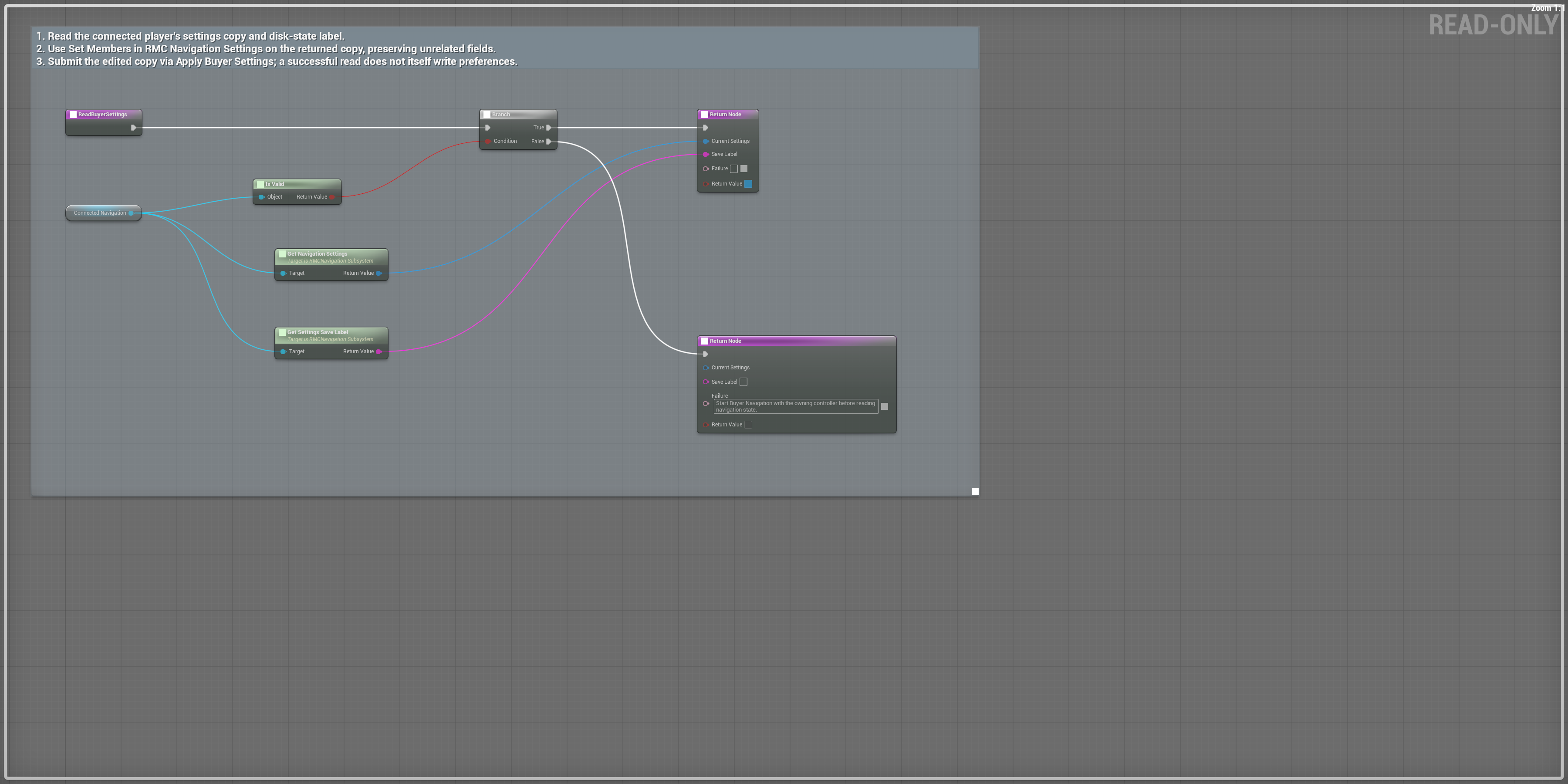
Read an editable settings copy
ReadBuyerSettingsAsset: /RPGMapsCompass/RPGMapsCompass/Examples/BP_RMC_BuyerRegion
Tab/function: ReadBuyerSettings
- Call Read Buyer Settings on the connected actor from your settings UI.
- Branch on Return Value before using Settings and Save Label. Edit a copy, preserving unrelated fields.
- Apply the edited copy through Apply Buyer Settings; read again to display the effective sanitized values and receipt label.
Expected result: The query does not write settings. Missing ownership returns false and useful recovery text.
Scroll each panel to read its original-size labels. Follow wires between overlapping panels; use the overview for the complete connection route.
Graph viewport overview. Read node and pin detail in the matching HTML chapter or linked original; use panel 4 where noted for rightmost results.
Change fog and reveal radius
EditBuyerExplorationSettingsAsset: /RPGMapsCompass/RPGMapsCompass/Examples/BP_RMC_BuyerRegion
Tab/function: EditBuyerExplorationSettings
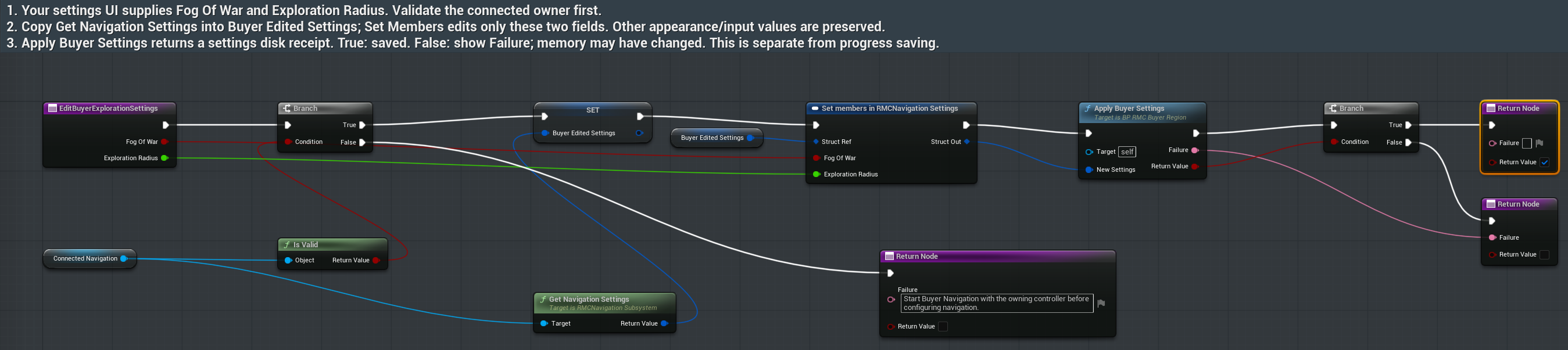
- Your settings UI supplies Fog Of War and Exploration Radius. Call Edit Buyer Exploration Settings.
- The saved graph validates the owner, reads current settings, copies them to Buyer Edited Settings and edits only those two fields through Set Members.
- Branch on Return Value after Apply Buyer Settings. On false show Failure: memory may already reflect the choices while the disk receipt is unconfirmed. Retry after the configuration destination is writable.
Expected result: Unrelated settings are preserved. The radius is sanitized to 1000–20000 cm.
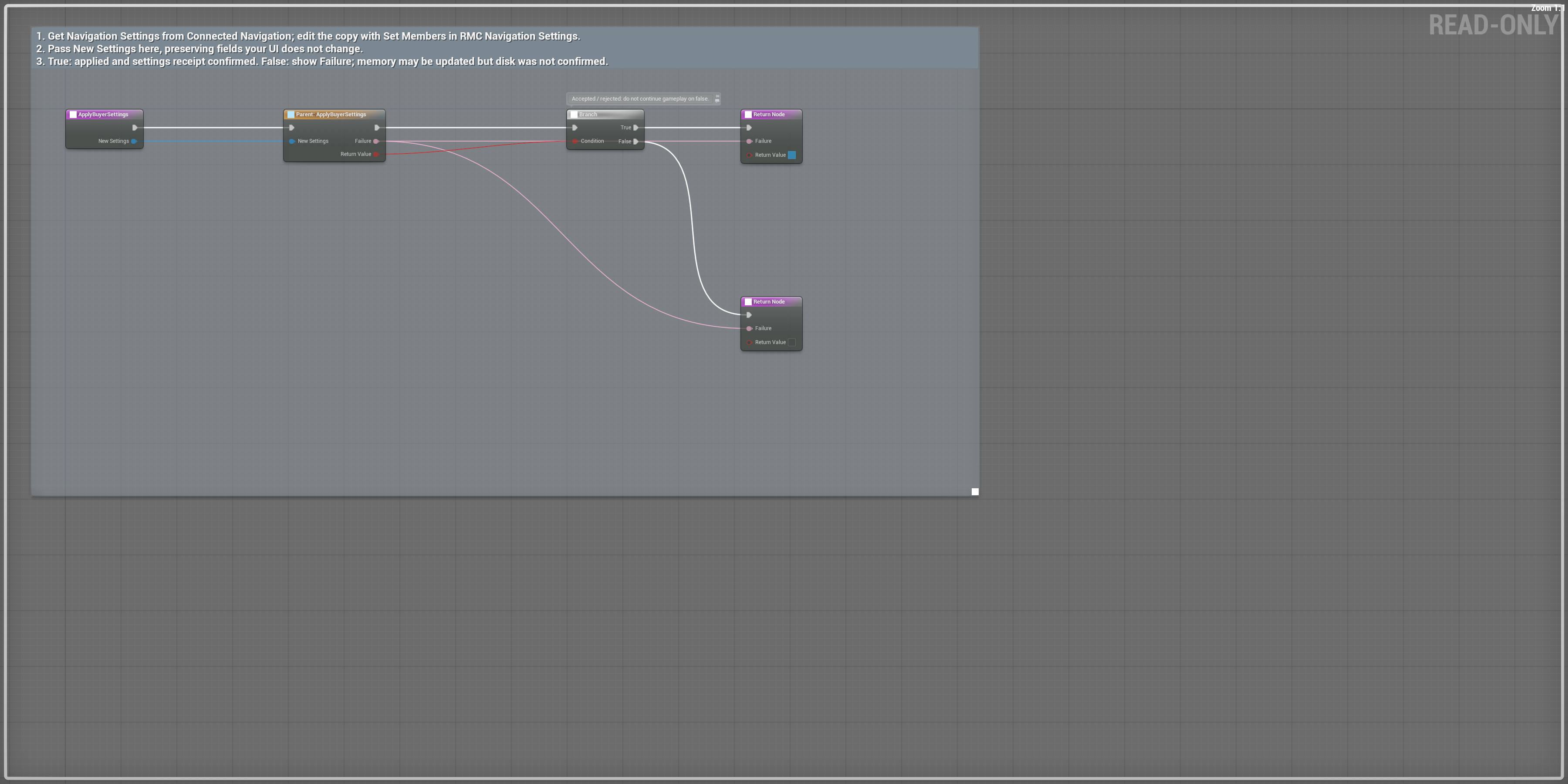
Apply a complete edited copy
ApplyBuyerSettingsAsset: /RPGMapsCompass/RPGMapsCompass/Examples/BP_RMC_BuyerRegion
Tab/function: ApplyBuyerSettings
- Get the current settings through Read Buyer Settings and edit only your intended members.
- Pass the complete copy into New Settings on Apply Buyer Settings.
- Branch on Return Value. True confirms the settings disk receipt; false can leave changes active in memory. Show Failure and read Save Label before presenting a saved confirmation.
Expected result: Actual native and saved Blueprint failure/retry checks distinguish active settings from confirmed disk data.
Scroll each panel to read its original-size labels. Follow wires between overlapping panels; use the overview for the complete connection route.
Graph viewport overview. Read node and pin detail in the matching HTML chapter or linked original; use panel 4 where noted for rightmost results.
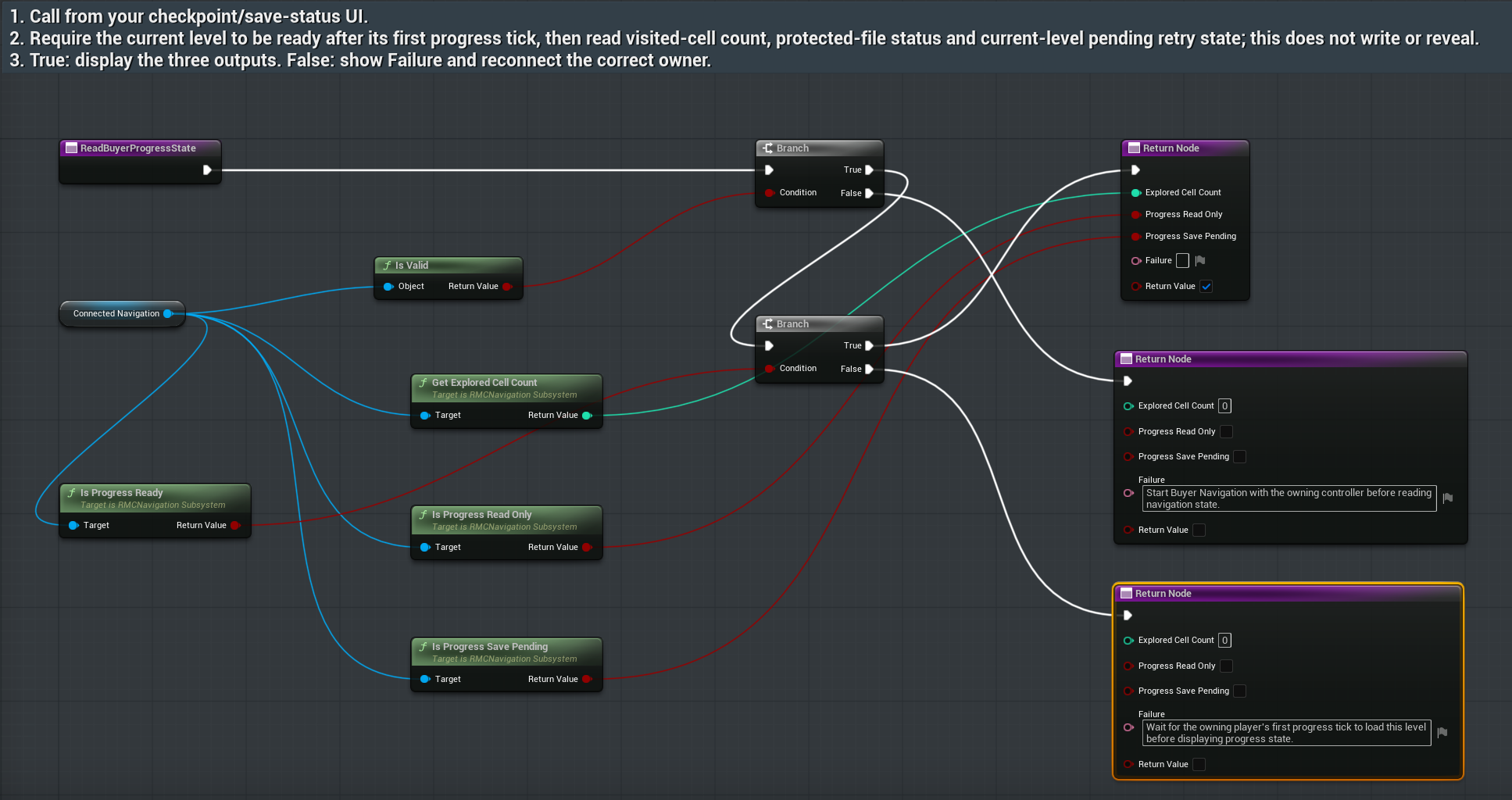
Show ready, protected and pending state
ReadBuyerProgressStateAsset: /RPGMapsCompass/RPGMapsCompass/Examples/BP_RMC_BuyerRegion
Tab/function: ReadBuyerProgressState
- Call Read Buyer Progress State from your checkpoint or save-status UI after connecting the owner.
- Branch on Return Value. Before the owning player’s first current-level progress load tick the query refuses with recovery text.
- On true display Explored Cell Count, Progress Read Only and Progress Save Pending separately. The query does not reveal cells or write data.
Expected result: An unsupported newer schema is protected. A physical write failure instead leaves a retry pending; these states are distinct.
Confirm progress on disk
SaveBuyerProgressAsset: /RPGMapsCompass/RPGMapsCompass/Examples/BP_RMC_BuyerRegion
Tab/function: SaveBuyerProgress
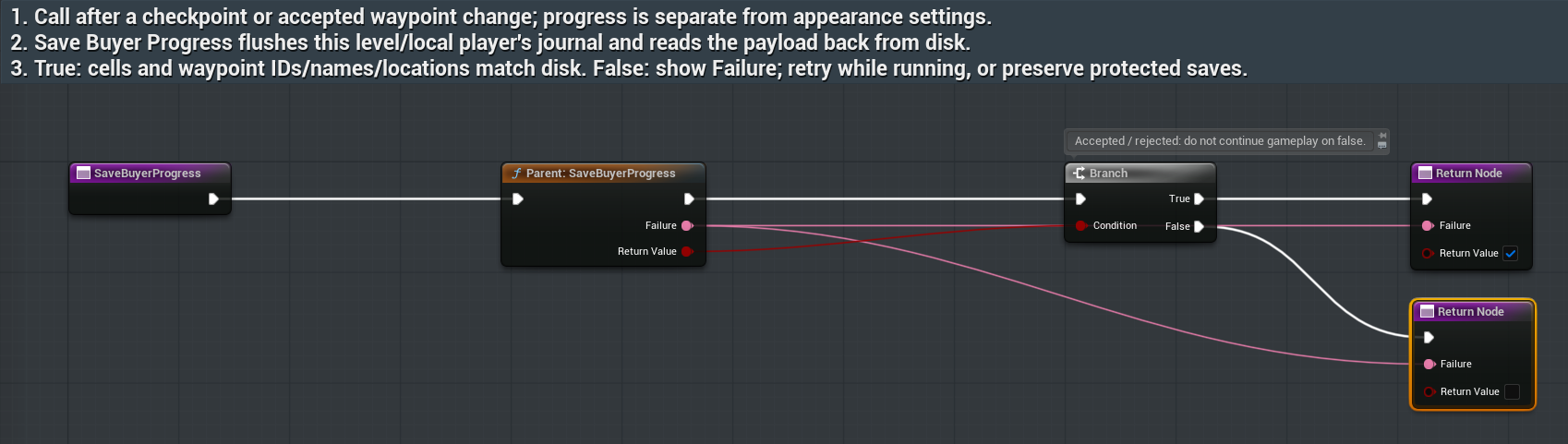
- Call Save Buyer Progress after an accepted waypoint change or your checkpoint action. This receipt is separate from appearance settings.
- Branch on Return Value. True confirms a fresh readback of supported progress, stable waypoint IDs, names and positions.
- On false show Failure. Retain accepted runtime data and offer a retry when writable; never overwrite a protected newer schema.
Expected result: The physical failure/retry test retains runtime data, fails both native and saved Blueprint receipts, then confirms the same GUID through an independent fresh disk load.