
Use your own actor or widget
- Get the navigation subsystem from the exact owning local player and retain the reference.
- Create the direct public-node call in your existing Blueprint. Supply your own component, location, name or stable GUID inputs.
- Branch on operation results before refreshing UI or using outgoing values.
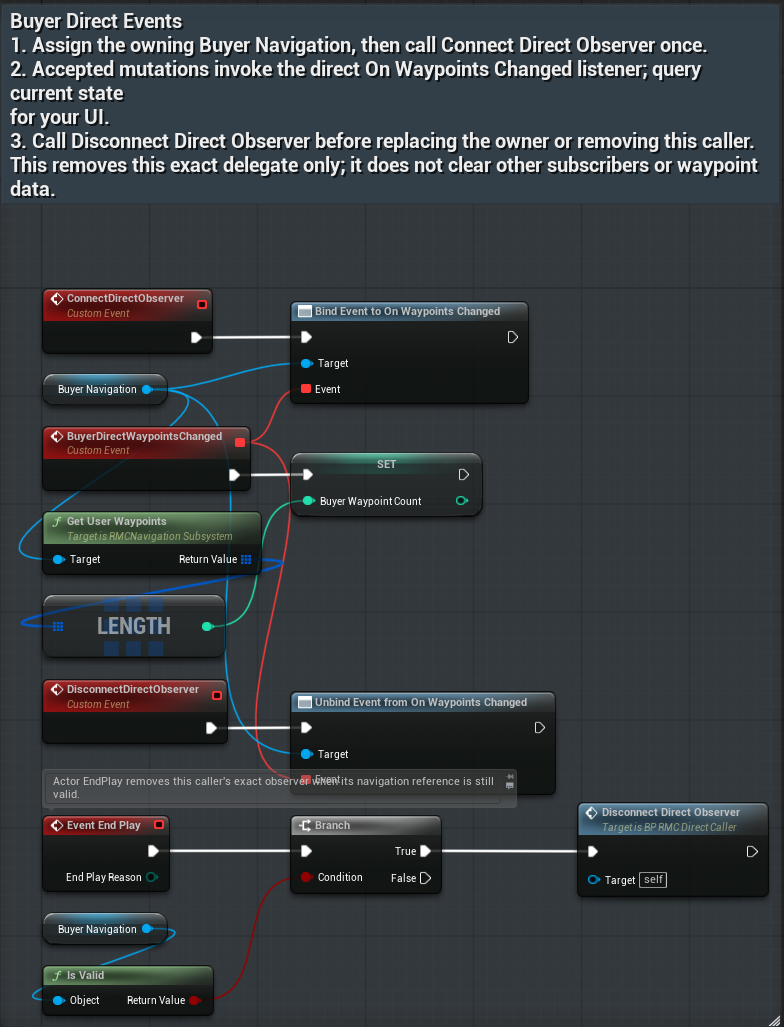
- Bind your own event to On Waypoints Changed once, and remove that exact event during cleanup.
BP_RMC_DirectCaller is an included editable Actor Blueprint. Duplicate it into your game to adapt its direct public-node wiring, or use the BP_RMC_BuyerRegion wrapper.
OwnerReady in this raw example means the subsystem reference is valid. It does not replace Is Player Pose Ready or Is Progress Ready. Runtime verification covers these saved calls and a disconnected-owner path; it does not prove every possible failure combination.
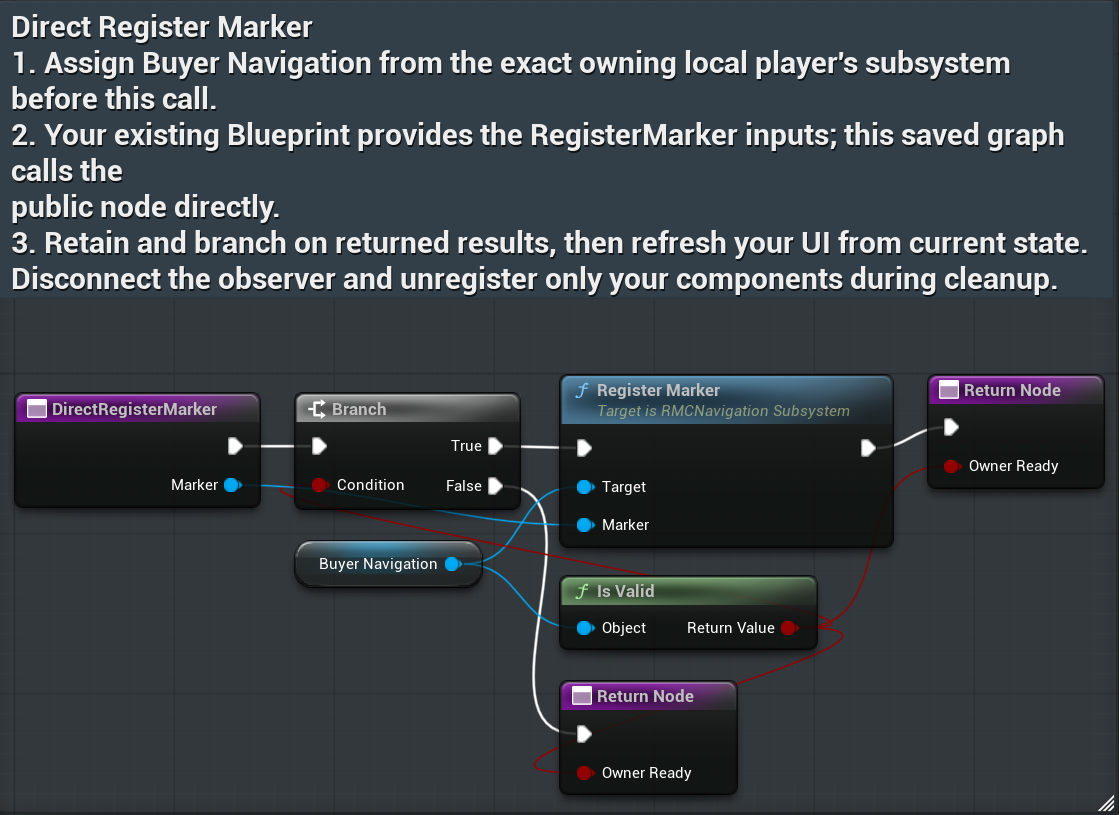
RegisterMarker
Pass your owned Marker component; registration makes it available to the owning player’s navigation.
UnregisterMarker
Pass the same owned component during cleanup; do not unregister another actor’s marker.
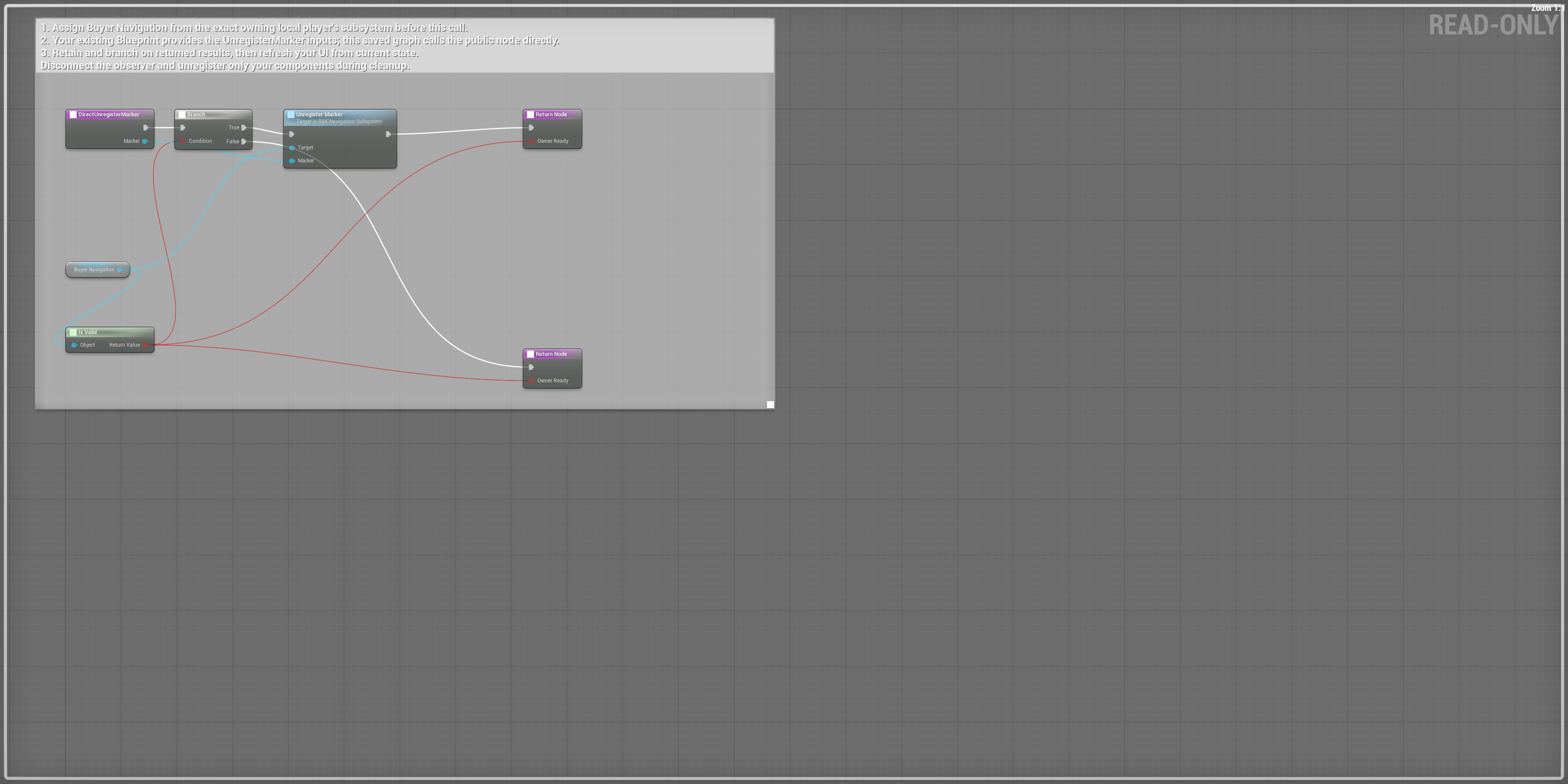
Scroll each panel to read its original-size labels. Follow wires between overlapping panels; use the overview for the complete connection route.
GetVisibleMarkers
Read the outgoing array and break each RMC Map Marker View for label, location, color and per-surface visibility.
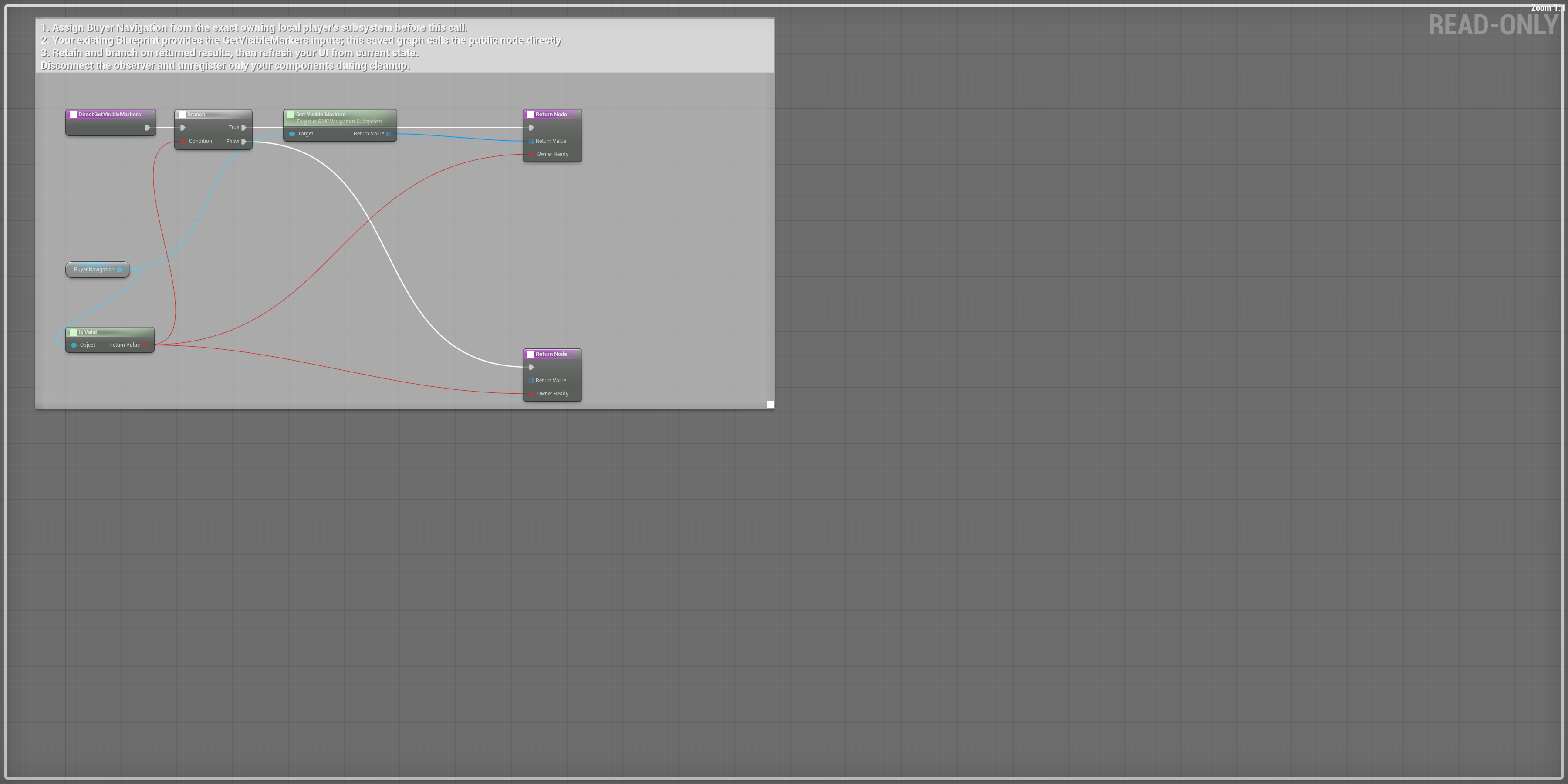
Scroll each panel to read its original-size labels. Follow wires between overlapping panels; use the overview for the complete connection route.
RegisterMapSource
Pass your owned source component after configuring its bounds and texture.
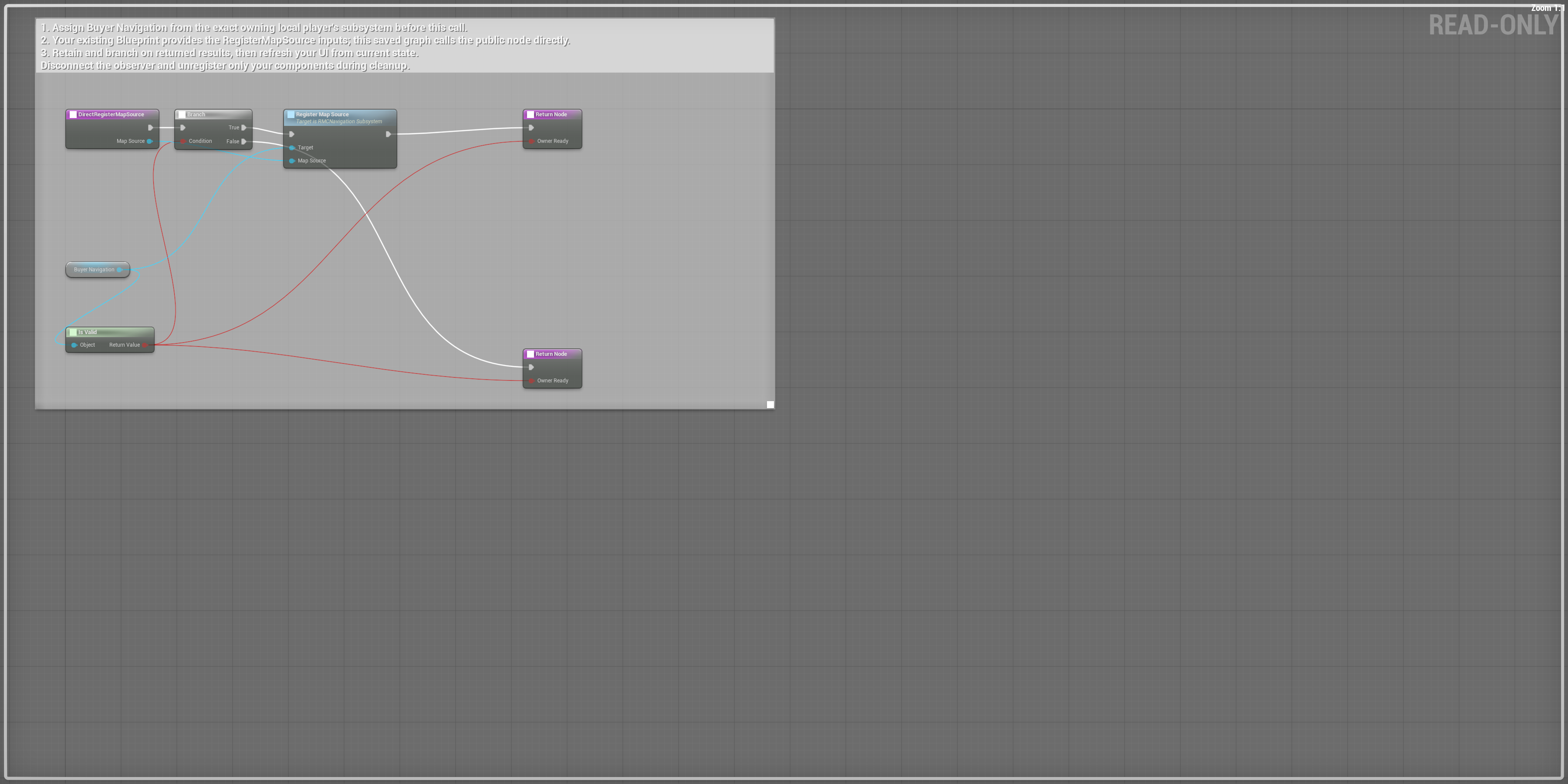
Scroll each panel to read its original-size labels. Follow wires between overlapping panels; use the overview for the complete connection route.
UnregisterMapSource
Remove your own source during cleanup; query the newly active source afterward.
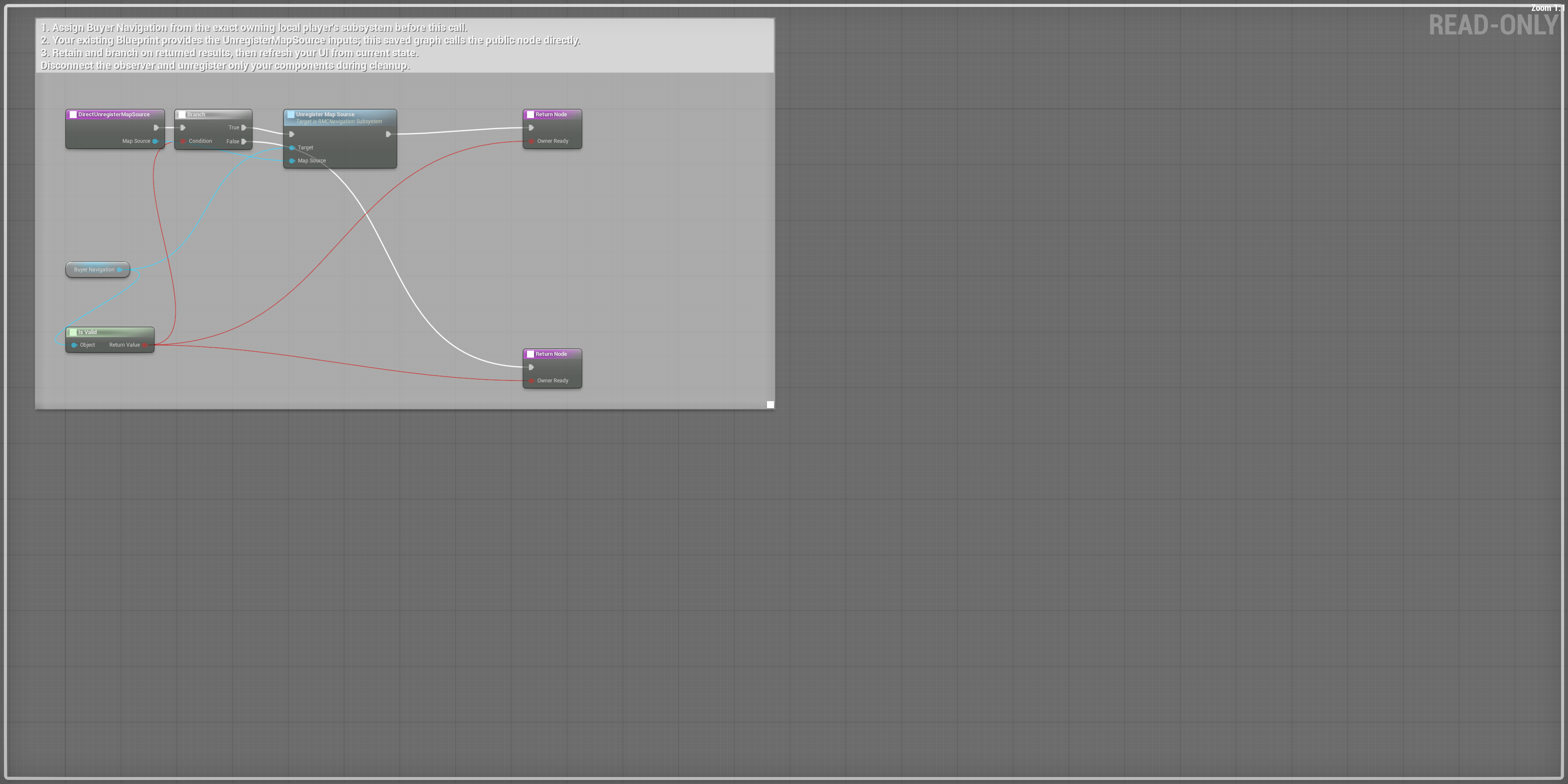
Scroll each panel to read its original-size labels. Follow wires between overlapping panels; use the overview for the complete connection route.
GetActiveMapSource
Read the actual source reference; branch on validity before reading its fields.
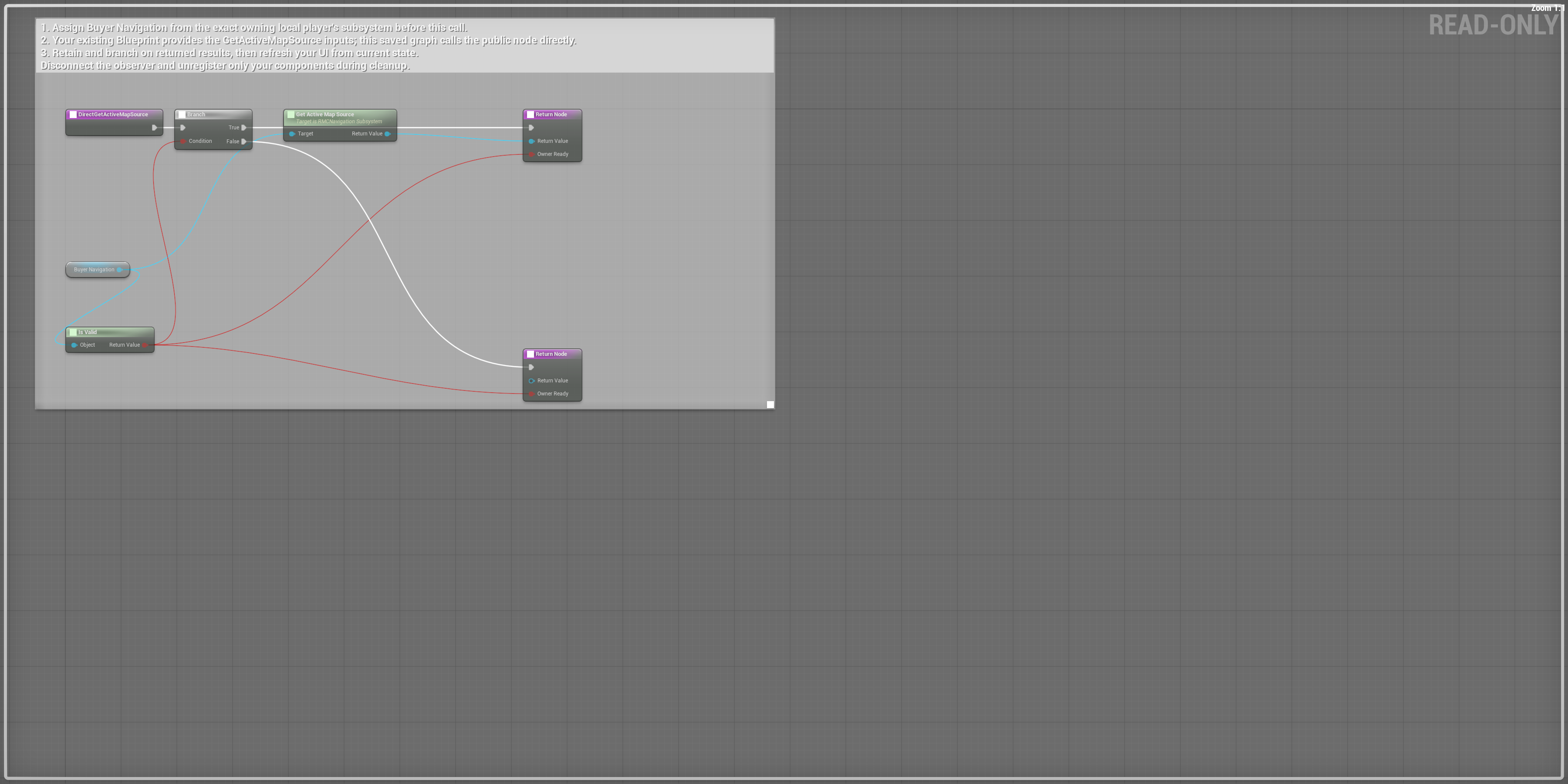
Scroll each panel to read its original-size labels. Follow wires between overlapping panels; use the overview for the complete connection route.
ResolveMapLocation
Pass normalized UV and branch on Return Value before using Out Location.
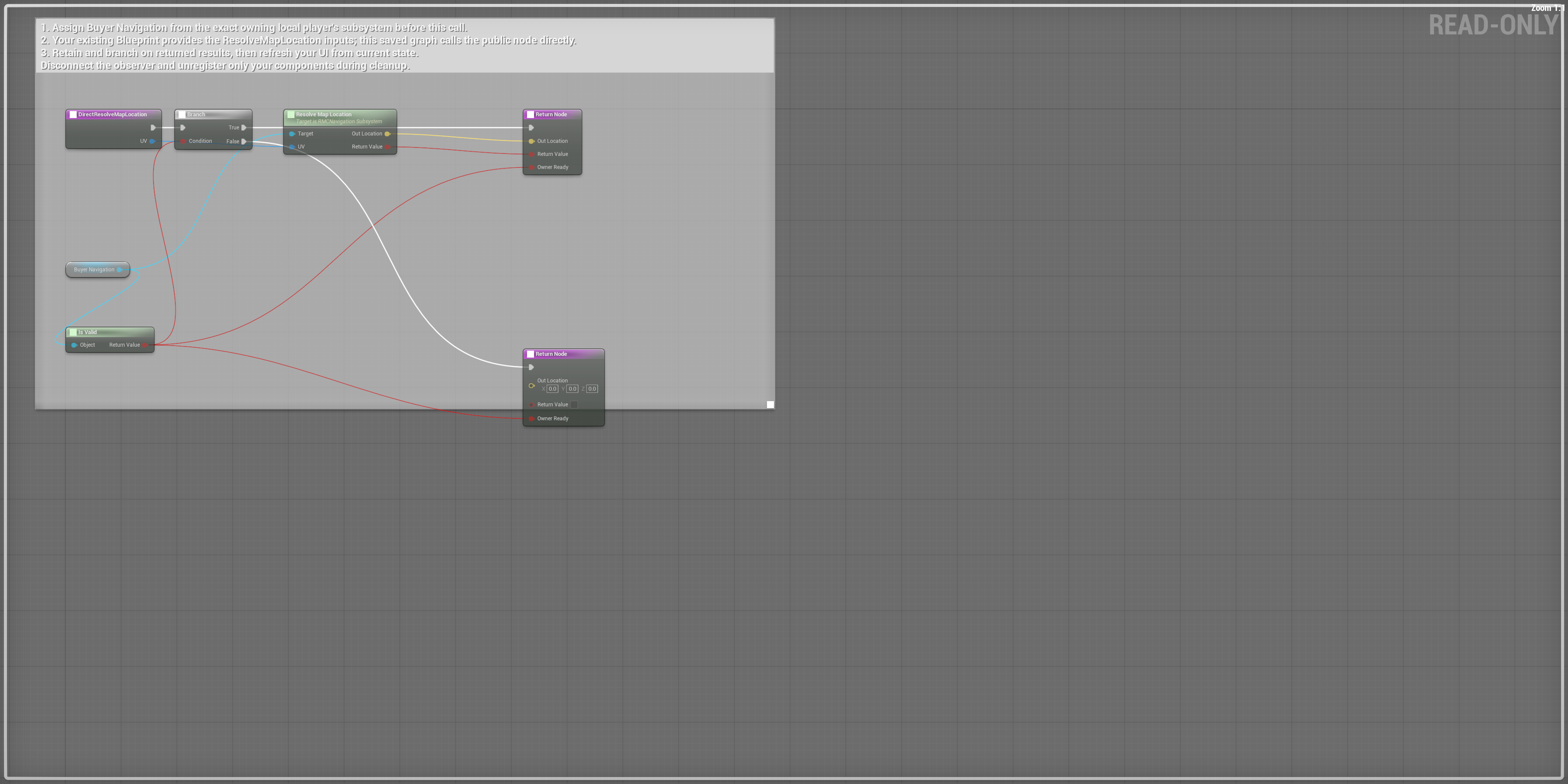
Scroll each panel to read its original-size labels. Follow wires between overlapping panels; use the overview for the complete connection route.
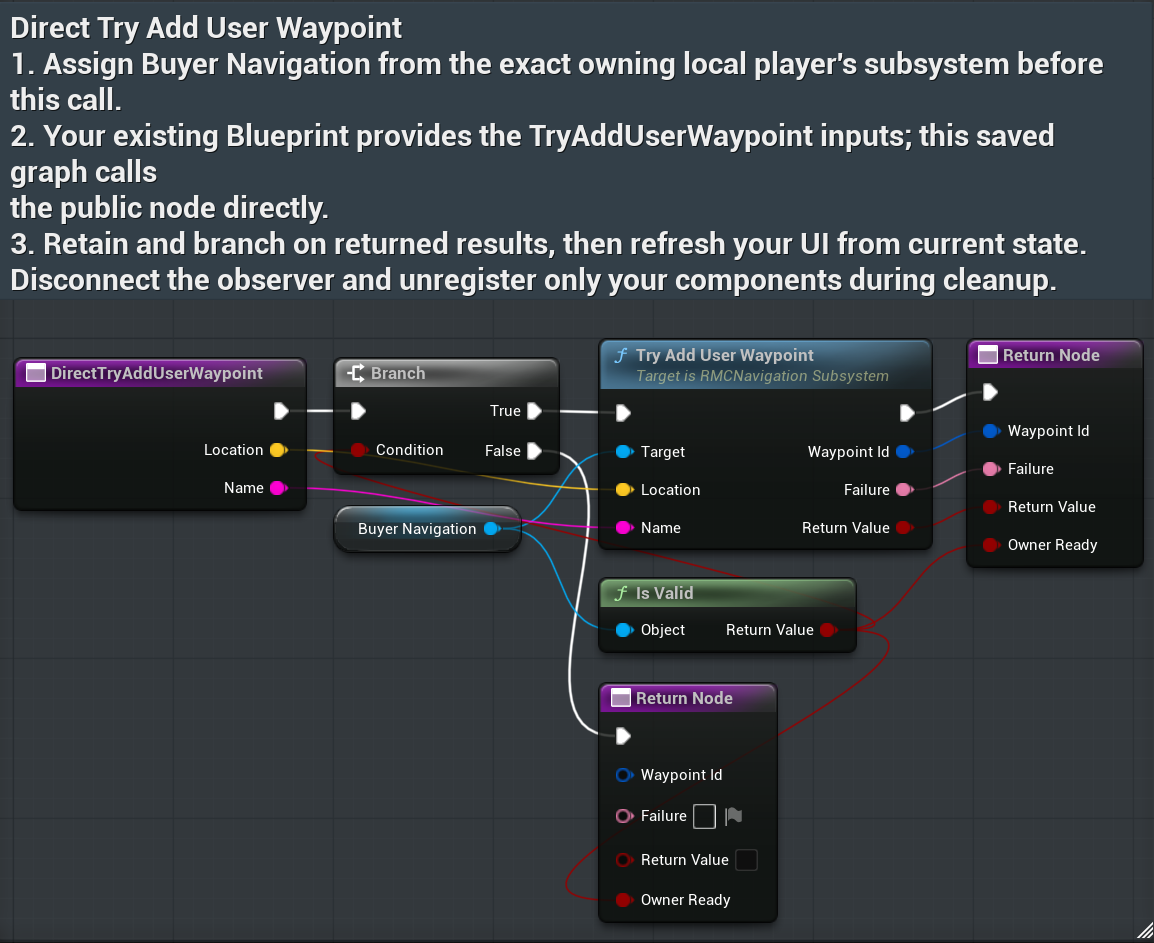
TryAddUserWaypoint
Pass world Location and Name. On true retain Waypoint Id; on false display Failure and retain your retry input.
AddUserWaypoint
Legacy direct add route returns accepted status; prefer Try Add when your UI needs the returned GUID and Failure.
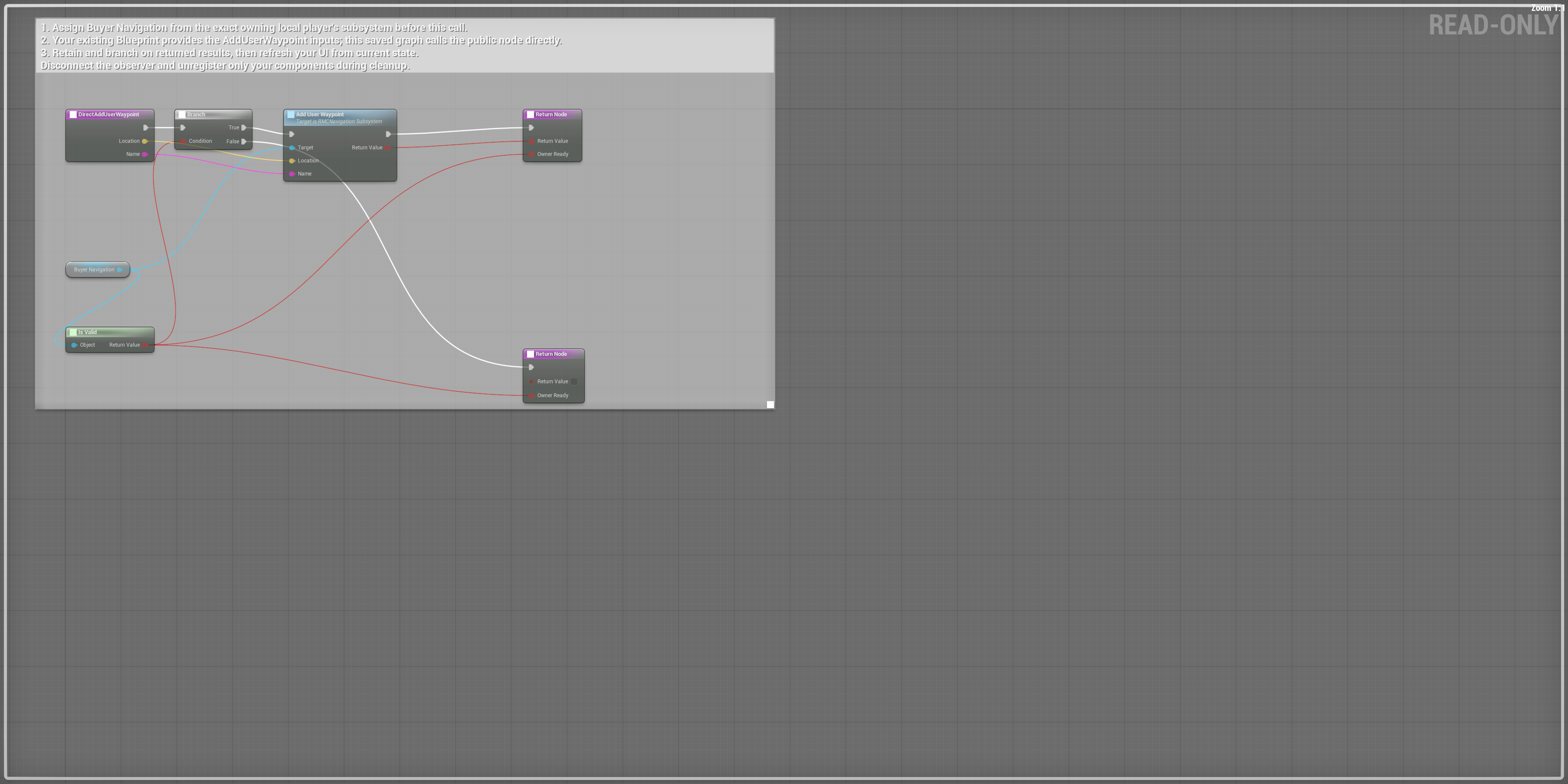
Scroll each panel to read its original-size labels. Follow wires between overlapping panels; use the overview for the complete connection route.
RenameUserWaypoint
Pass the retained stable Waypoint Id and new Name, then refresh from the outgoing array.
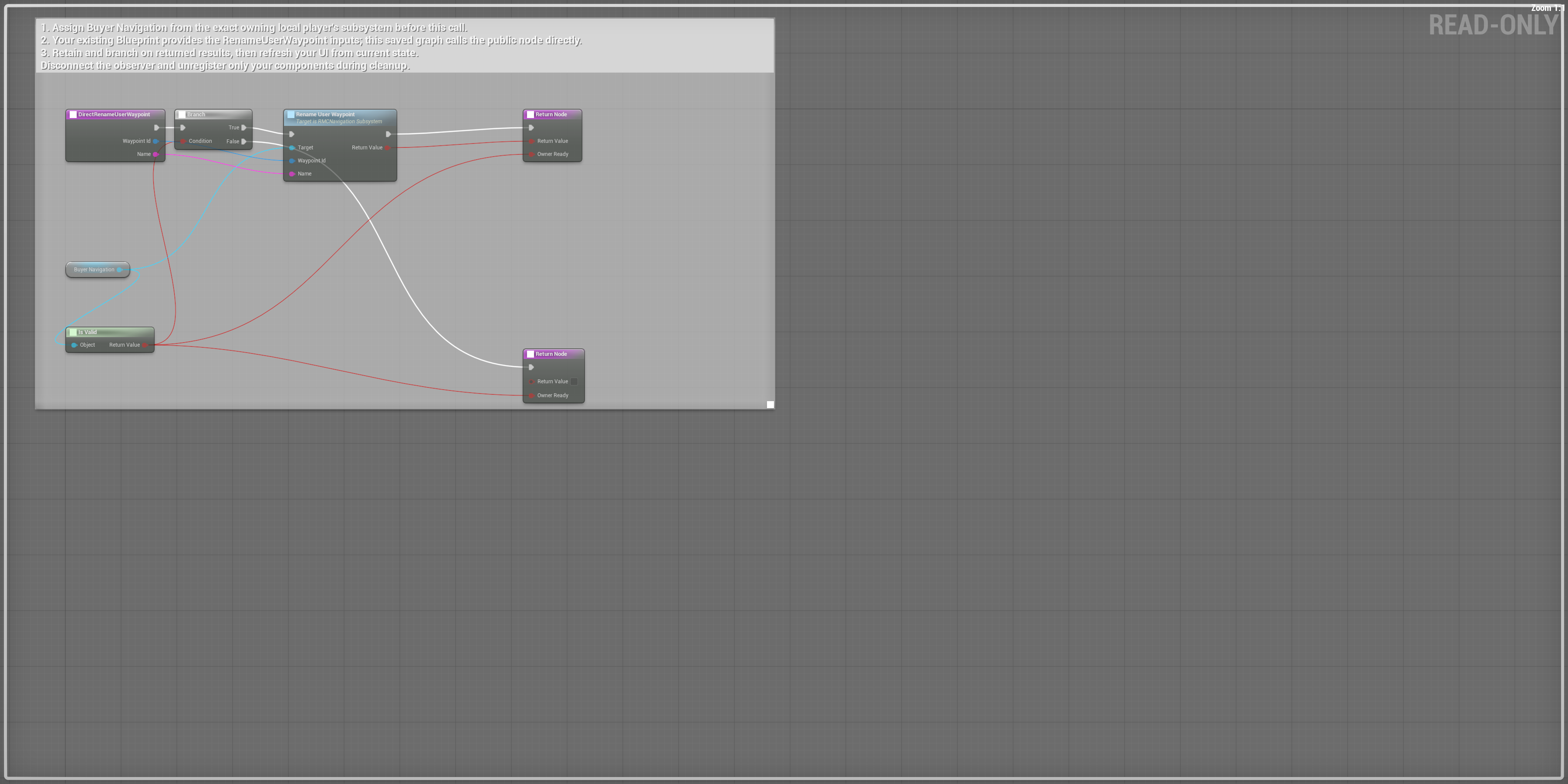
Scroll each panel to read its original-size labels. Follow wires between overlapping panels; use the overview for the complete connection route.
RemoveUserWaypoint
Pass the retained stable Waypoint Id; on accepted removal refresh your list.
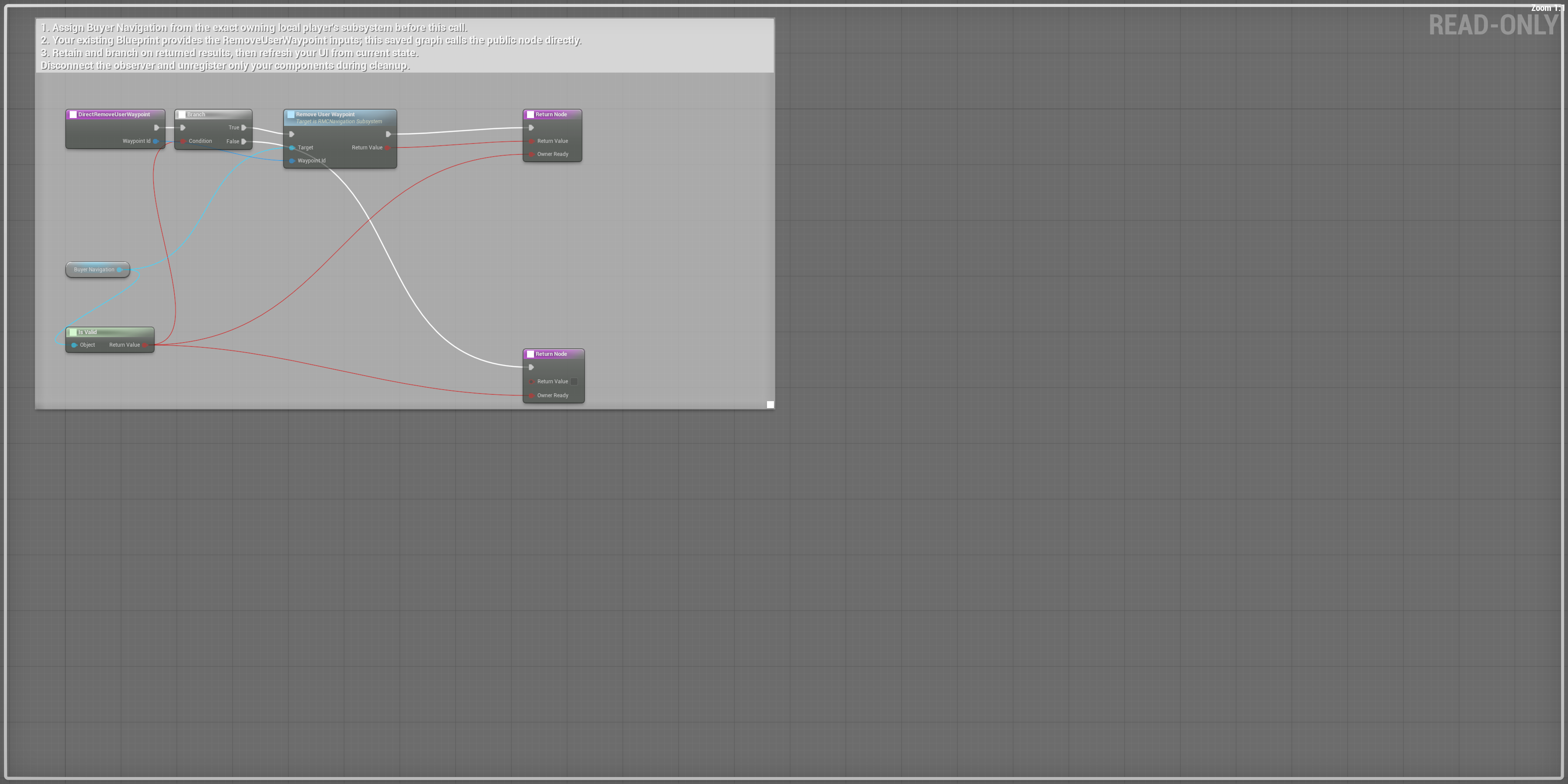
Scroll each panel to read its original-size labels. Follow wires between overlapping panels; use the overview for the complete connection route.
ClearUserWaypoints
Clear only the owning local player’s user-waypoint collection; refresh the UI afterward.
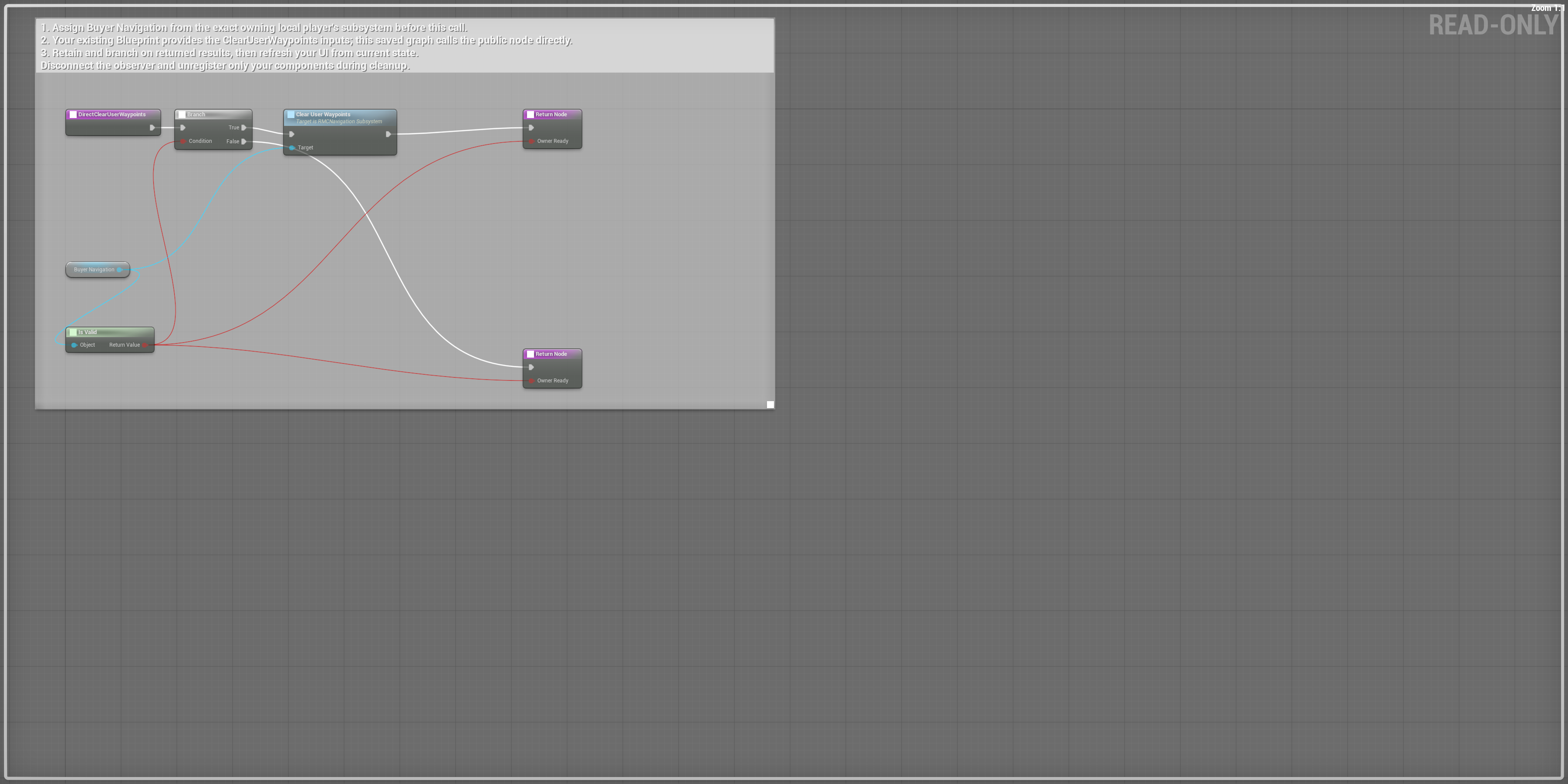
Scroll each panel to read its original-size labels. Follow wires between overlapping panels; use the overview for the complete connection route.
GetUserWaypoints
Read the outgoing array; preserve Id, Name and Location together. Array indices are not stable identifiers.
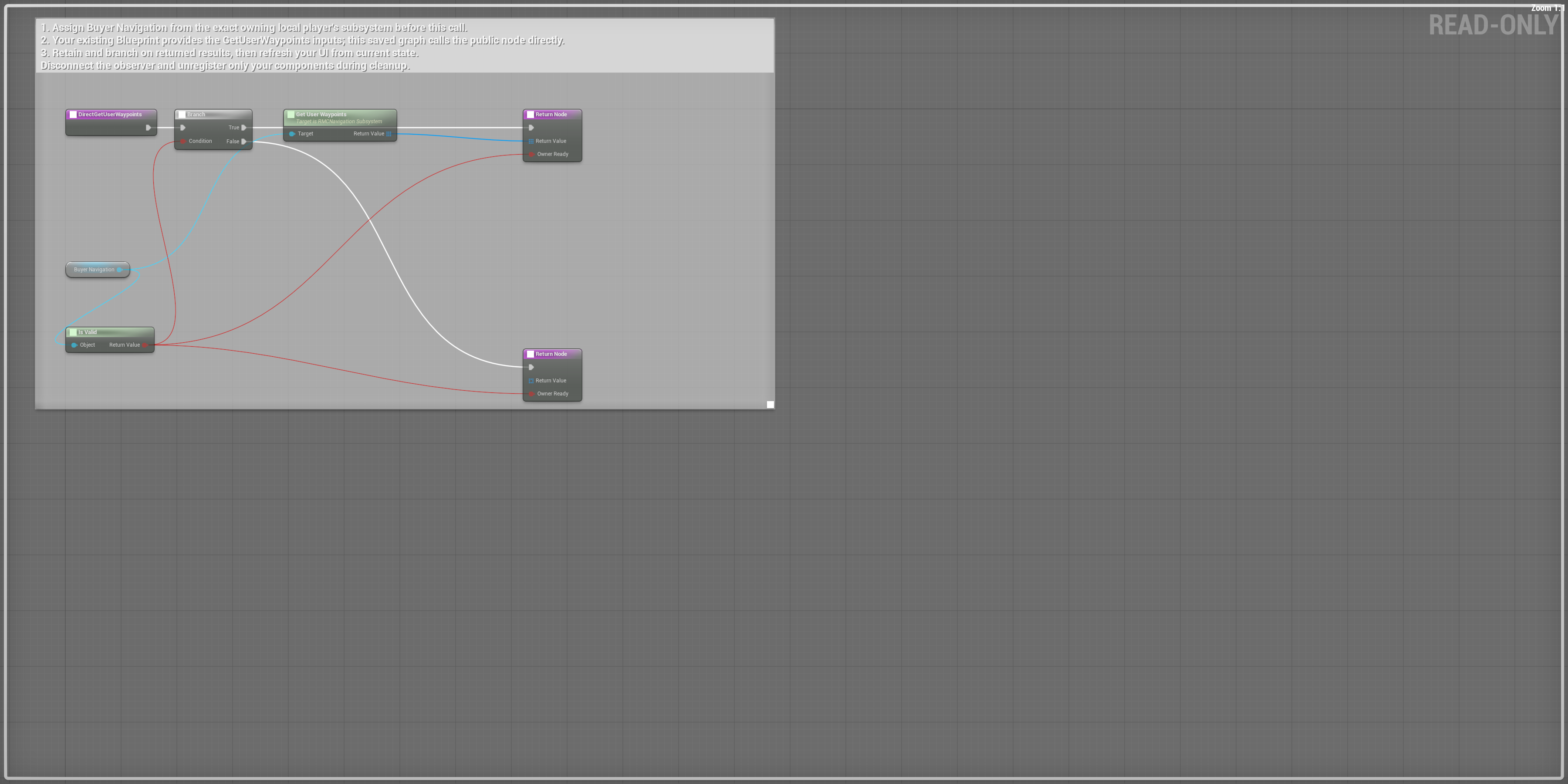
Scroll each panel to read its original-size labels. Follow wires between overlapping panels; use the overview for the complete connection route.
ProjectWaypoint
Pass a world Location and branch on its projection result before placing your screen indicator.
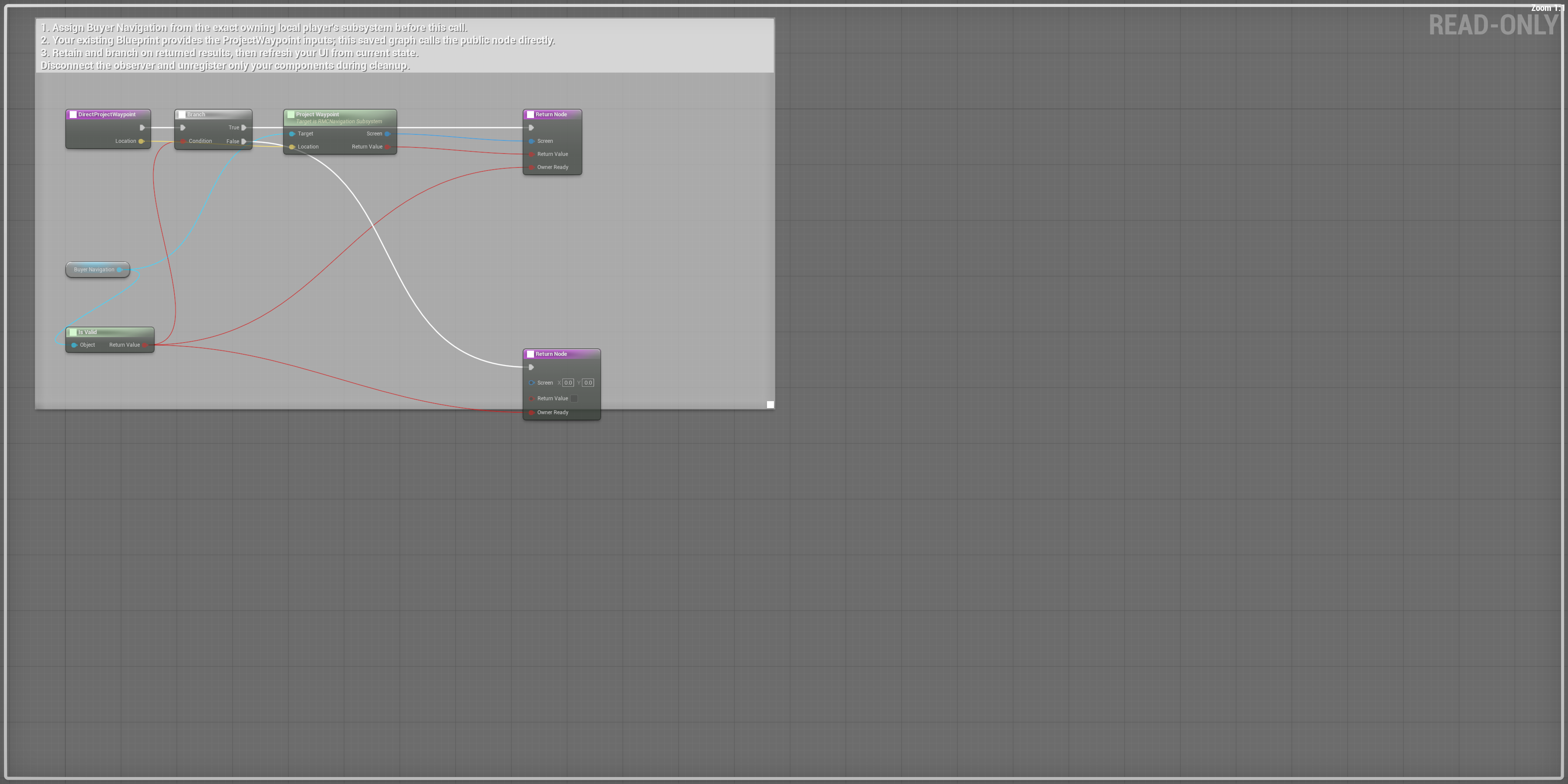
Scroll each panel to read its original-size labels. Follow wires between overlapping panels; use the overview for the complete connection route.
Bind, refresh and clean up
ConnectDirectObserverBuyerDirectWaypointsChangedDisconnectDirectObserverConnect Direct Observer binds the exact Buyer Direct Waypoints Changed event. That event queries the current array and updates Buyer Waypoint Count. Disconnect Direct Observer removes the same event. The saved EndPlay graph disconnects when the navigation reference is valid. A natural actor-destruction test verified that it removes this listener while preserving another actor’s listener.
Use the outgoing structs in your UI
For Get User Waypoints, loop the returned array and use Break RMC User Waypoint: Id is the stable GUID for rename/remove, Name is the displayed name, and Location is the world destination. For Get Visible Markers, loop the returned array and use Break RMC Map Marker View: Id, Label, Category, World Location, Color, Show On Minimap, Show On Compass and Show On World Map. The saved direct graph returns the arrays. The separate WBP_RMC_BuyerStructUI now provides verified editable Break Struct functions; bind its outgoing fields to your own UI.